Planning a Cloud Migration That Does Not Overrun
Migrations overrun because the inventory was incomplete, not because the technology was hard. Start with the list.
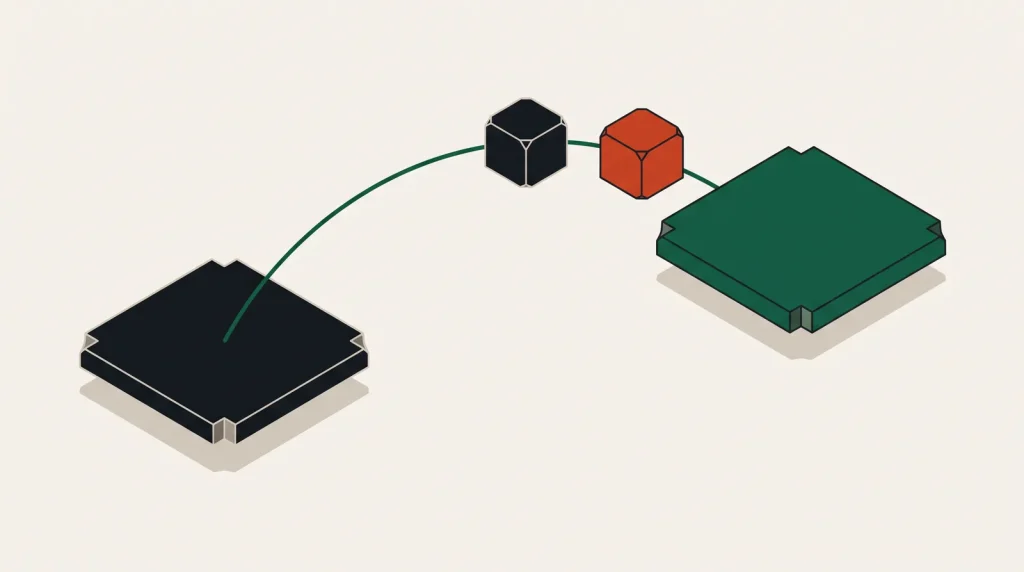
Cloud migrations rarely fail on technology. They overrun because something nobody remembered turned out to be load-bearing — a cron job, a certificate, an integration set up years ago by someone who has left.
The defence is a complete inventory before anything moves.
Build the inventory first
- Every server, with its purpose, size and actual utilisation.
- Every database, with size, engine, version and who reads it.
- Every scheduled job, including ones on individual machines rather than a scheduler.
- Every integration — inbound and outbound, including anything with an IP allow-list on the other side.
- Every domain, DNS zone and TLS certificate, with expiry dates.
- Every credential, and where it is stored.
- Every dependency between the above.
The dependency map is the part that determines sequencing, and the cron jobs are the part most often missed. Check every machine, not only the ones in the documentation.
Choose a strategy per workload
| Strategy | What it means | Suits |
|---|---|---|
| Rehost | Move as-is to cloud instances | Speed; defer optimisation |
| Replatform | Minor changes — managed database, container | Good value for modest effort |
| Refactor | Rearchitect for cloud services | High-value workloads only |
| Repurchase | Replace with a SaaS product | Commodity functions |
| Retire | Switch it off | More candidates than you expect |
| Retain | Leave where it is, for now | Anything not worth moving yet |
Run the retire assessment seriously. Most estates carry systems nobody uses, and every one removed is work you do not have to do.
Rehost first and optimise later is usually right. Refactoring during a migration combines two risky changes and makes it impossible to tell which one broke something.
Sequence from the edges inward
- Start with something low-risk and self-contained, to establish the process and find the surprises early.
- Move stateless components before stateful ones.
- Move development and staging first; they are a genuine rehearsal.
- Group tightly coupled systems and move them together — splitting them across environments creates latency and egress cost.
- Move the database last within each group, since it is the hardest to reverse.
- Keep a rollback path until each group has run under real load.
Cutover
The moment of switching. Plan it in writing:
- Lower DNS TTLs at least 48 hours in advance.
- Run both environments in parallel where possible, with data replicating.
- Choose a window with low traffic and full team availability.
- Write the rollback procedure before you need it, and set the deadline at which you will use it.
- Have a checklist of what to verify afterwards, agreed in advance.
- Decide who makes the call to proceed or roll back, and make sure everyone knows who that is.
The rollback deadline is the discipline that matters. Without one, teams push on through a failing cutover because stopping feels like defeat.
Costs that surprise people
- Egress from the old provider during data transfer, which can be substantial for large datasets.
- Running both environments in parallel for weeks — budget for it explicitly.
- Right-sizing not done, so the old server specifications are copied and over-provisioned.
- New line items — NAT gateways, load balancers, managed service premiums.
- Support plan, if the new provider requires one for reasonable response times.
- Engineering time, which is almost always the largest cost and rarely in the estimate.
Several providers now waive egress charges for a full migration away, following regulatory change. Ask before assuming you will pay it.
After the move
- Right-size everything using two weeks of real utilisation data.
- Decommission the old environment deliberately, after a defined retention period.
- Cancel old contracts and subscriptions — this is often forgotten for months.
- Set budgets and alerts on the new environment.
- Document what actually happened, including what went wrong.
- Review whether replatforming or refactoring is now worth doing on the highest-cost workloads.
Common questions
How long does a migration take?
For a small estate, weeks. For a large one, quarters. The inventory and dependency mapping typically take longer than the moving, and skipping them makes the moving take longer still.
Should we move everything at once?
Only for very small estates. Incremental migration limits blast radius and lets you learn on low-risk workloads first.
What is the most common mistake?
An incomplete inventory, followed closely by lifting over-provisioned server sizes without right-sizing them.
Do we need a migration tool?
Provider migration services help for large lift-and-shift efforts. For a handful of servers, a rebuild from infrastructure code produces a cleaner result.
Where to go next
See migrating a website to a new server and database migration strategies.
Read next
Moving Off a Cloud Provider Without Drama
Leaving is harder than arriving, mostly because of things that accumulated quietly: managed services, egress and…
Multi-Cloud: When It Makes Sense and When It Is a Tax
Using two providers is sometimes obviously right and often just twice the operational surface for no benefit.
Database Migration Strategies
The database is the hardest part of any migration, because it is the only part where a mistake loses something you…