Database Migration Strategies
The database is the hardest part of any migration, because it is the only part where a mistake loses something you cannot recreate.
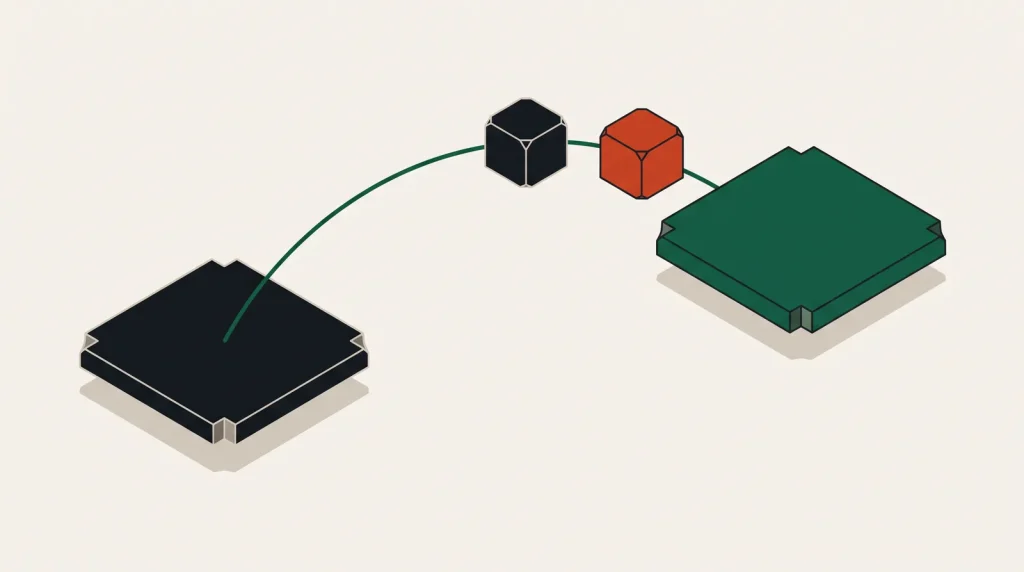
Application servers can be rebuilt. Data cannot. That asymmetry should shape every decision in a database migration.
The three approaches
| Approach | Downtime | Complexity | Suits |
|---|---|---|---|
| Dump and restore | Minutes to hours | Low | Small databases, tolerable window |
| Replication then promote | Seconds | Moderate | Same engine, most production cases |
| Change data capture | Near zero | High | Large databases, engine changes |
Replication and promote is the right default for most production databases where the engine is not changing. It gives a cutover measured in seconds without the machinery of change data capture.
Dump and restore
- Estimate the restore time on a copy first. It is usually several times longer than the dump.
- Stop writes, or accept losing anything written during the window.
- Dump with the engine’s own tool, with compression.
- Transfer, and verify a checksum of the file.
- Restore into the new database.
- Verify row counts, run a few known queries, check sequences and auto-increment values.
- Point the application at the new database.
The step people skip is sequences and auto-increment counters. A restore that does not carry them forward produces duplicate key errors on the first insert.
Replication then promote
- Set up the new database as a replica of the old one.
- Let it catch up fully, and monitor replication lag until it is consistently near zero.
- Verify the replica: row counts, spot checks, and application read traffic if you can direct some there.
- At cutover, stop writes to the primary.
- Wait for lag to reach zero.
- Promote the replica to primary.
- Point the application at the new database.
- Verify writes are working before reopening traffic.
Downtime is the write pause plus promotion — typically under a minute. Provider migration services automate most of this within their own platforms.
Change data capture
CDC tools read the database’s change log and stream changes to the target continuously, including between different engines. It supports very large databases and heterogeneous migrations with near-zero downtime.
It also introduces real complexity: schema mapping, type conversion differences, handling of large objects, and validating that the two sides genuinely agree. Reach for it when the simpler options do not fit, not by default.
Verify properly
- Row counts on every table, not only the large ones.
- Checksums or aggregate values on important columns.
- Foreign key integrity, which some restore methods can leave broken.
- Indexes present and valid — a missing index is not a data error and will destroy performance.
- Sequences, auto-increments and identity columns positioned correctly.
- Stored procedures, triggers, views and permissions, which dumps do not always include by default.
- A sample of real application queries returning the same results as on the old database.
Permissions and grants are frequently missed, and the failure appears as an application error long after the migration looked successful.
Rollback
Once writes go to the new database, rolling back means losing those writes unless you planned for it.
- Keep the old database running and untouched, so it remains a valid point-in-time copy.
- Set up reverse replication where the engine allows it, so the old database stays current.
- Define a rollback deadline — after which you go forward and fix rather than back.
- Take a final backup of the old database at the moment of cutover, and keep it.
- Decide in advance who makes the rollback call.
Common questions
How do I estimate the downtime window?
Rehearse it. Restore a full copy to a test instance and time it. Estimates from database size alone are consistently wrong.
Can I migrate between different engines?
Yes, with schema conversion tooling and considerably more testing. Type differences, collation and SQL dialect all produce surprises. Budget several times the effort of a same-engine move.
Should I upgrade the version during migration?
Prefer not to. Move first, upgrade after, so a problem has one possible cause.
What about the application during cutover?
Put it in read-only or maintenance mode. Attempting writes against a database mid-promotion produces errors and, worse, partial writes.
Where to go next
Read next
Moving Off a Cloud Provider Without Drama
Leaving is harder than arriving, mostly because of things that accumulated quietly: managed services, egress and…
Planning a Cloud Migration That Does Not Overrun
Migrations overrun because the inventory was incomplete, not because the technology was hard. Start with the list.
Multi-Cloud: When It Makes Sense and When It Is a Tax
Using two providers is sometimes obviously right and often just twice the operational surface for no benefit.