A Backup Strategy That Survives a Bad Day
Snapshots in the same account protect against the failures that rarely happen and not the ones that do. Here is what a real strategy looks like.
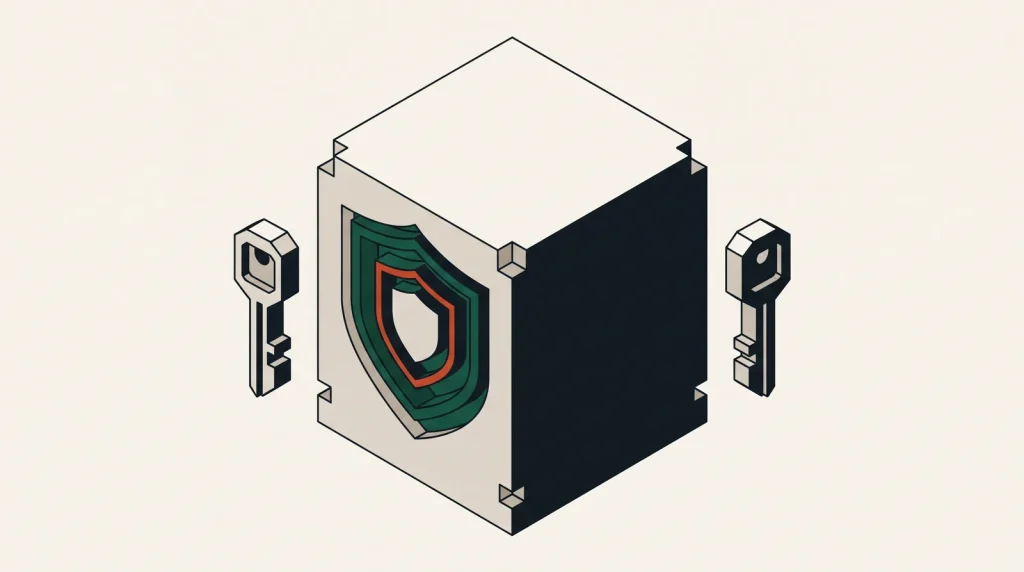
Most cloud backup setups protect against hardware failure, which the provider already largely handles, and not against the two things that actually destroy data: someone deleting it, and someone gaining control of the account.
What you are protecting against
| Scenario | Provider snapshots help? | What is needed |
|---|---|---|
| Disk or host failure | Yes | Provider redundancy is usually enough |
| Accidental deletion of data | Yes, if the snapshot predates it | Adequate retention |
| Bad deployment corrupting data | Yes | Frequent enough snapshots |
| Account compromise | No | Copies outside the account |
| Ransomware | Rarely | Immutable or offline copies |
| Provider region loss | No | Copies in another region |
| Billing suspension | No | Copies with another provider |
The bottom four rows are why “we have snapshots” is not a strategy.
3-2-1, adapted to cloud
The classic rule still holds: three copies, on two kinds of storage, one off-site. Translated:
- Copy one — the live data.
- Copy two — automated snapshots or managed backups in the same account, for fast recovery from ordinary mistakes.
- Copy three — a copy in a different account, ideally with a different provider or at least a different region, with separate credentials.
The third copy is the one that matters when things are genuinely bad, and it is the one most estates lack.
Make the off-site copy hard to destroy
- Store it in an account whose credentials are not used by anything in production.
- Use write-once storage where available — S3 Object Lock, Azure immutable blobs, GCS retention policies. An attacker with valid credentials still cannot delete it.
- Push backups out rather than letting the backup account pull with broad read access, or the compromise spreads either way.
- Encrypt before it leaves, with a key stored separately from the data.
- Alert if a backup job does not report success. Silent failure is the normal failure mode.
Decide the two numbers first
Everything else follows from these:
- Recovery point objective (RPO) — how much data you can afford to lose. Fifteen minutes means transaction log shipping. Twenty-four hours means a nightly dump.
- Recovery time objective (RTO) — how long you can be down. An hour means a warm standby. A day means restoring from an archive is fine.
State them explicitly and design to them. Backup schedules chosen without these numbers are guesses, and they are usually either too expensive or inadequate.
Databases need more than a volume snapshot
A snapshot of a running database volume may capture an inconsistent state. Use the database’s own mechanism:
- PostgreSQL —
pg_dumpfor logical backups, plus WAL archiving for point-in-time recovery. - MySQL —
mysqldumpor Percona XtraBackup, plus binary logs. - Managed services — provider automated backups with point-in-time restore, plus a periodic logical export you control.
That last point matters: a managed backup lives inside the same account. Export a dump elsewhere on a schedule so the data survives the account.
Test restores, on a schedule
- Quarterly, restore the most important dataset to a fresh instance.
- Time it and compare against your RTO.
- Verify data integrity, not just that files exist.
- Write down every step you had to improvise, and add it to the runbook.
- Rotate who performs it, so recovery does not depend on one person.
The first test always finds something — a missing configuration file, an expired credential, a dependency nobody documented. That is the point.
Retention that balances cost and usefulness
| Age | Frequency | Storage class |
|---|---|---|
| 0–7 days | Hourly or daily | Standard, fast restore |
| 1–4 weeks | Daily | Standard or infrequent access |
| 1–12 months | Weekly or monthly | Infrequent access |
| 1–7 years | Monthly or annual | Archive, if compliance requires |
Lifecycle rules should move copies between classes automatically. Manual pruning does not happen.
Common questions
Is replication a backup?
No. Replication copies changes, including deletions and corruption, usually within seconds. It gives availability, not recoverability.
How long before I notice data loss?
Often weeks, for something like a partially corrupted table. Retention should comfortably exceed your realistic detection time.
Do I need a different provider for the third copy?
A different account is the important part. A different provider additionally protects against account-level suspension and provider-wide problems, which is a smaller risk but a real one.
What does this cost?
Less than people expect. Compressed backups in archive storage are among the cheapest things in cloud. The expensive part is retrieval, which is exactly the trade you want.
Where to go next
See Linux server hardening and the handover checklist, where untested backups are the most common gap.
Read next
Keeping Storage Buckets Private
Public buckets are the most reported cloud data exposure there is.
Least Privilege Without Breaking Everything
Everyone agrees with least privilege and almost nobody implements it, because the obvious approach breaks production.
Security Groups, Firewalls and What Actually Filters Your Traffic
Cloud networks have several filtering layers with confusingly similar names.