Keeping Storage Buckets Private
Public buckets are the most reported cloud data exposure there is. The defaults have improved; the mistakes have not changed.
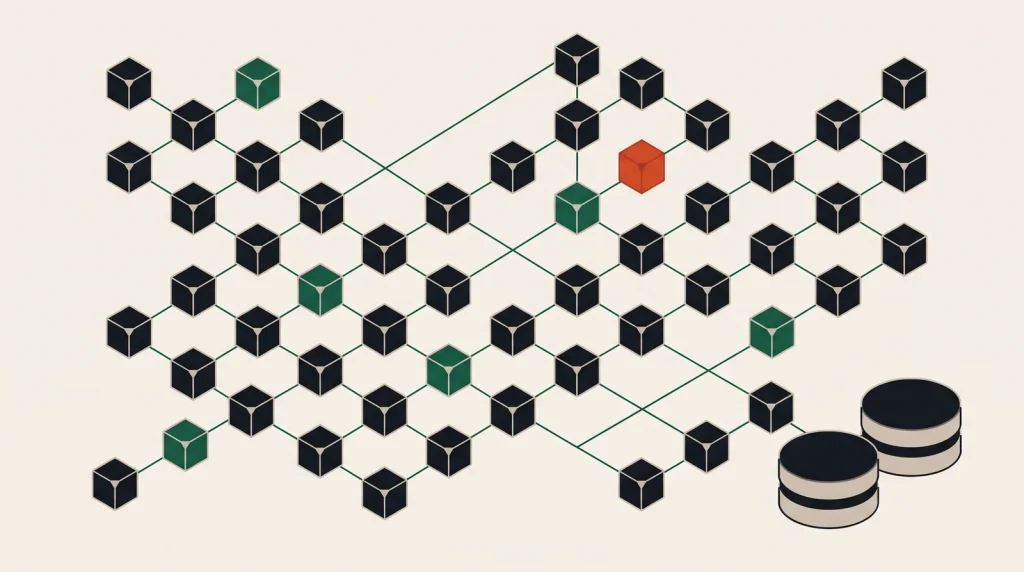
Object storage exposure is the most frequently reported category of cloud data leak. It is almost never a platform failure. It is a bucket someone made public to solve a problem and never made private again.
How buckets end up public
- Someone needed a file reachable from a browser and flipped the bucket rather than the object.
- A tutorial said to set a permissive policy to get past an error.
- A static site was hosted directly from the bucket, and other data was later added to the same bucket.
- A policy used a wildcard principal to make a cross-account integration work.
- A pre-signed URL pattern was replaced with public access “temporarily”.
Every one of these starts as a reasonable attempt to unblock work. That is why controls need to be structural rather than a matter of discipline.
Turn on the account-level block
| Platform | Control | Effect |
|---|---|---|
| AWS | S3 Block Public Access, at account level | Overrides bucket and object settings |
| Google Cloud | Public access prevention, org policy | Prevents allUsers grants |
| Azure | Disallow blob public access on the storage account | Blocks anonymous container access |
| DigitalOcean | Spaces file listing and permissions | Set per Space and per file |
| Alibaba Cloud | OSS bucket ACL private | Combine with block public access |
Set these at the account or organisation level, not per bucket. A per-bucket setting protects the buckets you remembered.
Serving public files without a public bucket
Genuinely public assets — images, downloads, a static site — do not need a world-readable bucket:
- Put a CDN in front: CloudFront, Cloud CDN, Azure CDN, or Spaces CDN.
- Give the CDN the only read access to the bucket — an origin access identity or equivalent.
- Keep the bucket itself private.
- Serve everything through the CDN URL.
This is faster and cheaper as well as safer: cached responses avoid origin egress charges entirely.
For files that are private but need sharing
Use pre-signed URLs. Your application generates a time-limited link for a specific object, and the bucket stays private. Every platform supports this and every SDK has it in a few lines.
Keep expiry short — minutes to hours, not days. A pre-signed URL is a bearer credential: whoever holds it has access until it expires.
The rest of the checklist
- Encryption at rest — on by default now on most platforms. Confirm rather than assume.
- Versioning — protects against overwrite and deletion, and is the cheapest insurance available.
- Object Lock or retention policies for backups, so even valid credentials cannot delete them.
- Access logging, so you can tell whether an exposed object was actually read.
- Lifecycle rules to expire old versions, or versioning quietly becomes a storage bill.
- Separate buckets for public assets and private data, so a mistake on one cannot expose the other.
Finding what is already exposed
- List every bucket in every region — not just the ones you remember.
- Check both the bucket policy and the ACL; either can grant public access.
- Use the platform’s own analyzer: AWS IAM Access Analyzer for S3, GCP Security Command Center, Azure Defender for Storage.
- For anything found public, check access logs before assuming nothing was read.
- Make it private, then verify from an unauthenticated session.
Common questions
Is a hard-to-guess bucket name protection?
No. Bucket names are enumerated at scale continuously, and names leak through DNS, logs and page source. Obscurity is not a control.
What if I need a public static website?
Serve it through a CDN with the bucket private. Same result, better performance, lower egress cost.
Does versioning cost much?
Every version is billed as stored data, so without lifecycle rules it grows steadily. With a rule expiring non-current versions after thirty to ninety days, the cost is small.
How do I share a file with someone outside the organisation?
A pre-signed URL with a short expiry. Never by making the object or bucket public.
Where to go next
See storage types explained for where object storage fits, and the backup strategy for immutability.
Read next
Cloud Compliance Without the Jargon
Shared responsibility, certifications and data residency explained in terms of what you actually have to do.
MFA on Cloud Accounts: Which Method, and Why It Matters
Not all second factors are equal. The difference between SMS and a security key is the difference between slowing an…
Least Privilege Without Breaking Everything
Everyone agrees with least privilege and almost nobody implements it, because the obvious approach breaks production.