MFA on Cloud Accounts: Which Method, and Why It Matters
Not all second factors are equal. The difference between SMS and a security key is the difference between slowing an attacker and stopping one.
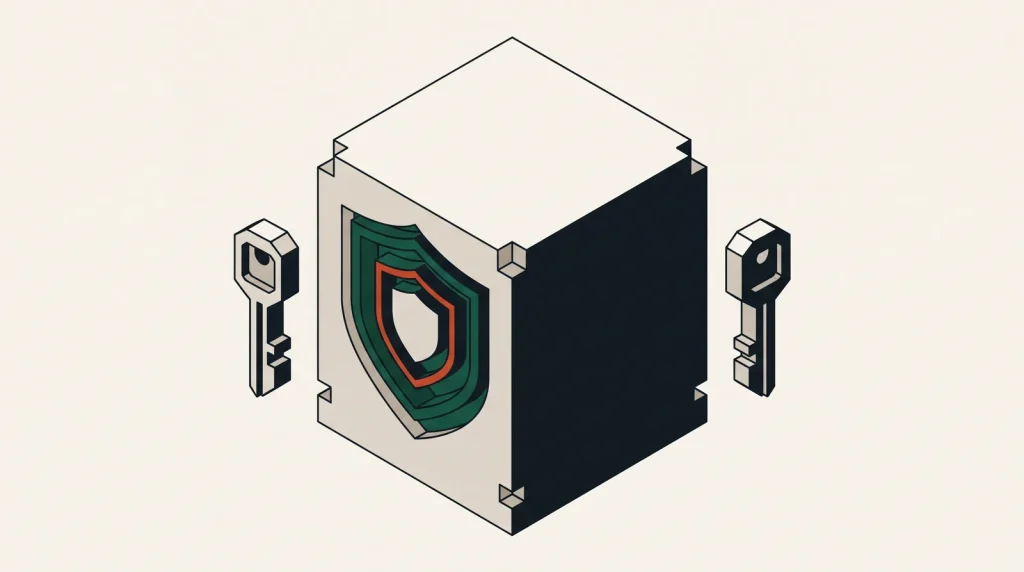
Multi-factor authentication is the highest-value security control available on a cloud account, and it takes about two minutes to enable. The only real decision is which factor to use.
The methods, ranked
| Method | Phishing resistant | Practical strength | Notes |
|---|---|---|---|
| SMS code | No | Weak | Vulnerable to SIM swap and interception; better than nothing |
| Email code | No | Weak | Only as strong as the email account |
| Authenticator app (TOTP) | No | Good | Codes work offline; can still be phished in real time |
| Push notification | No | Good | Convenient; vulnerable to approval fatigue |
| Number matching push | Partly | Better | Defeats blind approval |
| Hardware security key (FIDO2) | Yes | Strongest | Cryptographically bound to the domain |
| Passkey | Yes | Strongest | Same protocol, stored on device or synced |
The line that matters is phishing resistance. TOTP codes can be relayed by an attacker in real time through a convincing proxy page. A security key cannot, because it will only respond to the genuine domain.
Where to spend the effort
- Root and global administrator accounts — hardware key, no exceptions. These are the identities that can do anything.
- Anyone with production write access — hardware key or passkey.
- Everyone else with console access — authenticator app at minimum.
- Service accounts and workloads — not MFA at all; use short-lived credentials and workload identity instead.
A pair of security keys for the root account, one stored securely offline, costs less than an hour of downtime and removes an entire class of attack.
Enabling it, by platform
- AWS — IAM → Security credentials for the root user; IAM Identity Center or per-user MFA for others. Enforce with a policy that denies actions when MFA is absent.
- Azure — Entra ID Conditional Access requiring MFA, ideally with the authentication strength set to phishing-resistant for administrators.
- Google Cloud — 2-Step Verification on the Google account, enforced through Admin console policy for Workspace organisations.
- Oracle Cloud, Alibaba Cloud, DigitalOcean, Linode, Hetzner, OVHcloud — all support TOTP; several support hardware keys. Enable at minimum TOTP everywhere.
Plan recovery before you need it
The most common MFA failure is not an attack, it is losing the device.
- Register at least two factors on every important account.
- For hardware keys, buy two and store the backup somewhere physically secure.
- Save recovery codes in a password manager, not in the same place as the password if that manager is the account being protected.
- Make sure more than one person can recover the organisation’s root account, through a documented process.
- Test recovery once, so the procedure is known rather than assumed.
Common failure modes
- Approval fatigue — repeated push prompts until someone taps accept. Number matching fixes it.
- SIM swap — an attacker ports the number and receives the codes. Avoid SMS for privileged accounts.
- Real-time phishing — a proxy page relays the code instantly. Only hardware keys and passkeys defeat this.
- Single device — phone lost, account inaccessible. Always register a second factor.
- MFA on the console only — API keys bypass it entirely, which is why credential hygiene matters just as much.
That last point is the one people miss. MFA protects interactive sign-in. An access key does not care that MFA exists.
Common questions
Is SMS worth enabling if it is all that is available?
Yes. Weak MFA is far better than none, and it defeats simple credential stuffing. Move to something stronger when you can.
Do I need MFA if my password is long and unique?
Yes. Passwords leak through breaches, phishing and reuse. MFA is what makes a leaked password insufficient on its own.
Can MFA be enforced for everyone?
On most platforms yes, through a policy that denies access without it. Enforce it centrally rather than relying on each person to opt in.
What about shared team accounts?
Avoid them. Named accounts with individual MFA give you accountability and clean revocation. Where a shared login is unavoidable, put the credentials and the TOTP seed in a team password manager with an access log.
Where to go next
See securing an account you did not open and API keys and secrets, since MFA alone does not cover programmatic access.
Read next
API Keys and Secrets: Where They Leak and How to Stop It
Most cloud breaches start with a credential that should never have existed.
Security Groups, Firewalls and What Actually Filters Your Traffic
Cloud networks have several filtering layers with confusingly similar names.
Linux Server Hardening That Actually Matters
Hardening guides run to hundreds of items. About eight of them account for nearly all the real-world benefit.