DNS for Cloud Services: The Layer Everything Depends On
DNS sits upstream of all your redundancy. A mistake here takes everything down regardless of how well the rest is built.
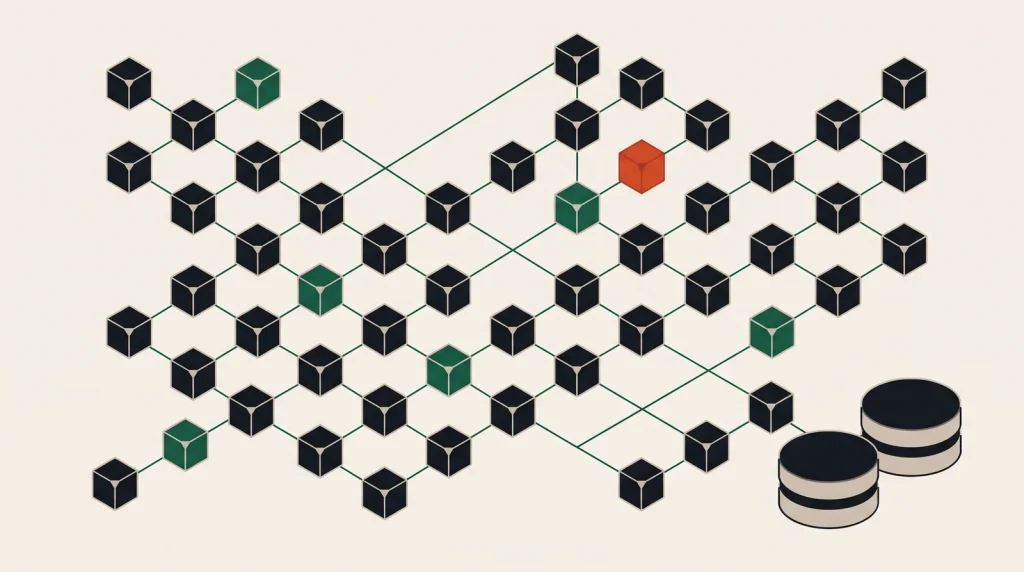
Every request begins with a DNS lookup. Multi-zone deployments, load balancers and health checks all sit behind that lookup, which means DNS is the one layer where a mistake bypasses every other protection.
The records you will use
| Type | Purpose | Note |
|---|---|---|
| A | Hostname to IPv4 address | The basic record |
| AAAA | Hostname to IPv6 address | Add it; IPv6 traffic is significant |
| CNAME | Alias to another hostname | Cannot exist at the zone apex |
| ALIAS / ANAME | Apex alias to a hostname | Provider-specific solution to the apex problem |
| MX | Mail routing | Priority values matter |
| TXT | Verification, SPF, DKIM | Also used for domain ownership proof |
| CAA | Which authorities may issue certificates | Cheap and worth setting |
| NS | Delegation to nameservers | Changing these moves the whole zone |
The apex problem is the one people meet first: you cannot CNAME example.com to a load balancer hostname. Every major DNS provider offers an ALIAS-style record that resolves this.
TTL strategy
TTL controls how long resolvers cache a record. It is the trade between change speed and query volume.
- Stable records — 3600 seconds or more. Fewer queries, slower to change.
- Records that might need to change — 300 seconds.
- Before a planned migration — lower to 60 seconds at least 48 hours in advance, so old cached values have expired.
- After the migration settles — raise it again.
Lowering TTL immediately before a change does not help: resolvers already hold the old value with the old TTL. Lowering it must happen well before.
Point at names, not addresses
Wherever a provider gives you a hostname for a load balancer or managed service, use it rather than resolving it to an address and hardcoding that. Those addresses change without notice, and a hardcoded one becomes an outage.
Routing policies
Managed DNS services can do more than return a fixed answer:
- Weighted — split traffic by percentage. Useful for gradual migration.
- Latency-based — return the endpoint closest in network terms.
- Geolocation — route by the querying resolver’s region, for residency or localisation.
- Failover — return the secondary only when a health check on the primary fails.
- Multi-value with health checks — return several healthy addresses.
DNS failover is genuinely useful for cross-region resilience, and it is slower than a load balancer because of caching. It complements load balancing rather than replacing it.
The mistakes that cause outages
- Letting the domain expire. Set auto-renew and verify the contact address is monitored.
- Changing nameservers without copying every record first. The new zone must be complete before delegation moves.
- Long TTLs during a migration, leaving some users on the old endpoint for hours.
- Dangling records pointing at deallocated addresses — a subdomain takeover risk if someone else claims that address.
- Forgetting AAAA records when adding IPv6, or having one that points somewhere broken.
- A single nameserver provider with no redundancy, in an outage that takes everything with it.
Dangling records deserve attention. Audit them whenever you decommission infrastructure, not only when something breaks.
Managed DNS options
Route 53, Cloud DNS, Azure DNS and OVHcloud’s DNS are all fast, anycast and inexpensive. Registrar-provided DNS is usually adequate for simple zones and generally lacks routing policies and health checks.
Keeping DNS with a provider separate from your hosting is worth considering: it means a provider account problem does not simultaneously remove your ability to redirect traffic elsewhere.
Common questions
How long does a DNS change take?
The TTL of the old record, plus resolver behaviour. With a 300-second TTL most users see the change within minutes; a few resolvers ignore TTLs and take longer.
Should I use my registrar for DNS?
It is fine for simple zones. A dedicated managed DNS service gives faster resolution, routing policies and health checks, usually for very little.
What is a CAA record for?
It names which certificate authorities may issue certificates for your domain, which limits the impact of a mis-issuance. It takes two minutes to set.
Do I need IPv6?
Increasingly yes — a meaningful share of mobile traffic is IPv6. Add AAAA records where your infrastructure supports it, and ensure firewall rules cover IPv6 too.
Where to go next
Read next
Object, Block and File Storage: Which One You Need
Three kinds of cloud storage with very different prices and properties. Using the wrong one is expensive and awkward.
Private Networking and VPNs for Cloud Infrastructure
The goal is that nothing sensitive has a public address at all. Private networking and a VPN are how you get there.
Cloud Networking Basics: VPCs, Subnets and Gateways
Cloud networking is a small number of concepts with different names on every platform. Learn the concepts once.