Cutting a Cloud Bill: Where the Money Actually Is
Cost reduction efforts usually start with the wrong line item. Here is the order that finds real money fastest.
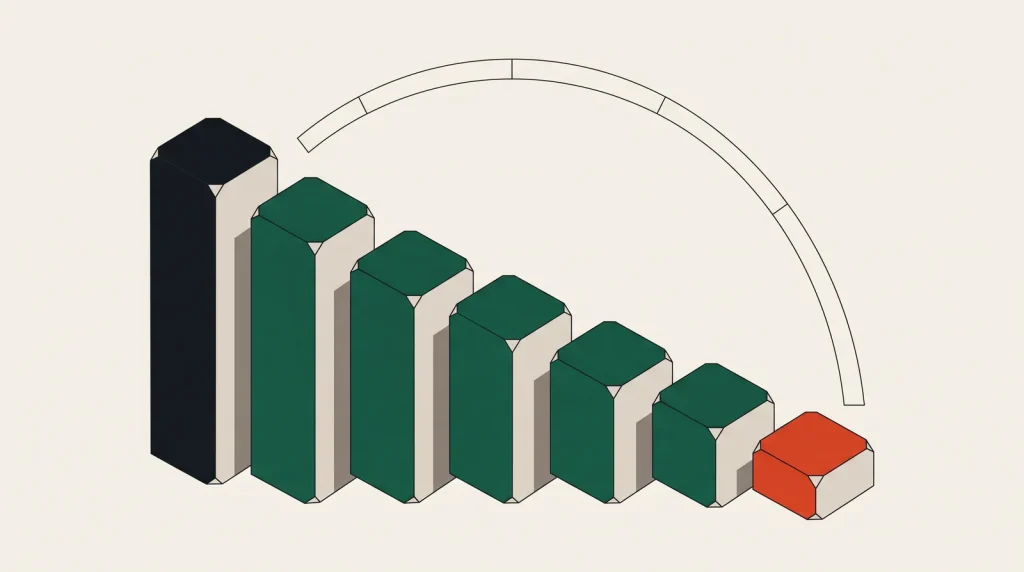
Most cloud cost exercises begin by looking at the biggest number, which is usually compute, and trying to shrink it. That is not wrong, but it is rarely where the easiest money is. Waste is easier to remove than legitimate spend.
Start with things nobody is using
This costs nothing to do and carries almost no risk:
- Unattached volumes. Deleted instances leave disks behind, billed indefinitely.
- Old snapshots. Hundreds accumulate from a backup script nobody reviewed.
- Idle load balancers, each with a fixed hourly charge whether or not traffic flows.
- Reserved IP addresses not attached to anything, which most providers bill specifically to discourage hoarding.
- NAT gateways in unused subnets, which are expensive per hour and per gigabyte.
- Stopped instances — compute is not billed, but attached storage still is.
- Development environments running at nights and weekends, which is roughly 70 per cent of the week.
It is common to find five to fifteen per cent of a bill here, in an afternoon, with no impact on anything running.
Then right-size what is running
- Pull two to four weeks of utilisation data per instance.
- List anything with peak CPU below 30 per cent and peak memory below 40 per cent.
- Move each down one size and observe for a week.
- Repeat. Two steps down is often correct and rarely reached in one pass.
- Look for over-provisioned disks, especially where volume size was chosen for IOPS that are no longer needed.
Right-sizing typically finds another ten to thirty per cent. It is safe because you are measuring rather than guessing, and because one size step is easily reversed.
Then commit to what will not change
Providers discount heavily for commitment. Reserved instances, savings plans and committed use discounts reduce compute cost by 30 to 60 per cent in exchange for a one or three year term.
The rule: commit only to your steady baseline, never to peak. Measure the minimum capacity that runs every hour of every week and commit to that. Cover everything above it on demand.
Right-size first. Committing to over-provisioned instances locks in the waste for a year.
Then look at data transfer
Egress is where bills grow invisibly, because it does not appear as a resource you provisioned.
- Put a CDN in front of anything serving media. Cached bytes cost less and often much less.
- Keep traffic within one availability zone where possible; cross-zone transfer is billed on most platforms.
- Use private endpoints for provider services so traffic does not traverse a NAT gateway.
- Compress API responses; egress is billed on bytes, not requests.
- Check cross-region replication you no longer need.
Understanding cloud egress costs covers the mechanics in detail.
Then storage classes and retention
| Data | Common mistake | Fix |
|---|---|---|
| Logs | Kept forever in hot storage | Lifecycle to archive after 30 days |
| Backups | Every daily backup retained | Grandfather-father-son retention |
| Object versions | Versioning on, no expiry | Expire non-current versions |
| Snapshots | Manual snapshots never deleted | Automated retention policy |
| Analytics data | Standard storage | Infrequent access or archive tier |
Lifecycle rules are set once and work forever. Manual cleanup is done once and never again.
Make it stick
Every cost reduction decays unless something maintains it:
- Tag resources by owner, environment and project, and enforce it. Untagged spend is unattributable spend.
- Set budgets with alerts at 50, 80 and 100 per cent of expected monthly cost.
- Review the top ten line items monthly. It takes fifteen minutes.
- Schedule non-production shutdowns automatically rather than by policy.
- Include cost in design review, so expensive choices are noticed before they ship.
What not to do
Do not cut backups, monitoring or redundancy to reduce cost. These are the things that cost the most when they are missing, and reinstating them after an incident is more expensive than never having removed them.
Do not move providers purely for compute price without pricing the whole workload including egress, managed services and migration effort.
Common questions
How much can a typical estate save?
Estates that have never been reviewed commonly find 20 to 40 per cent. Estates already managed find single digits, which is a sign the process is working.
Are reserved instances risky?
They commit you to spend, not to a specific machine on most platforms. Cover only baseline capacity and the risk is small. Committing to peak is where people get caught.
Is a cost management tool worth it?
Above a certain spend, yes. Below it, the provider’s own cost explorer plus tagging gets you most of the way for nothing.
Should the savings target be a percentage?
Better to target waste specifically. A blanket percentage cut encourages removing things that were load-bearing.
Where to go next
Read next
Managed Services vs Self-Hosting: The Honest Cost Comparison
A managed database costs three times the server it runs on. Whether that is expensive depends on what your time is…
Egress Costs: The Line Item Nobody Provisioned
You choose an instance size. You do not choose an egress bill — it arrives as a consequence of decisions made…
Spot and Preemptible Instances: Cheap Compute With a Catch
Up to ninety per cent off, on the condition that the provider can take the machine back with two minutes of notice.