Audit Logging: The Thing You Wish You Had Turned On
Audit logs are useless the day you enable them and invaluable the day something goes wrong. That asymmetry is why they get skipped.
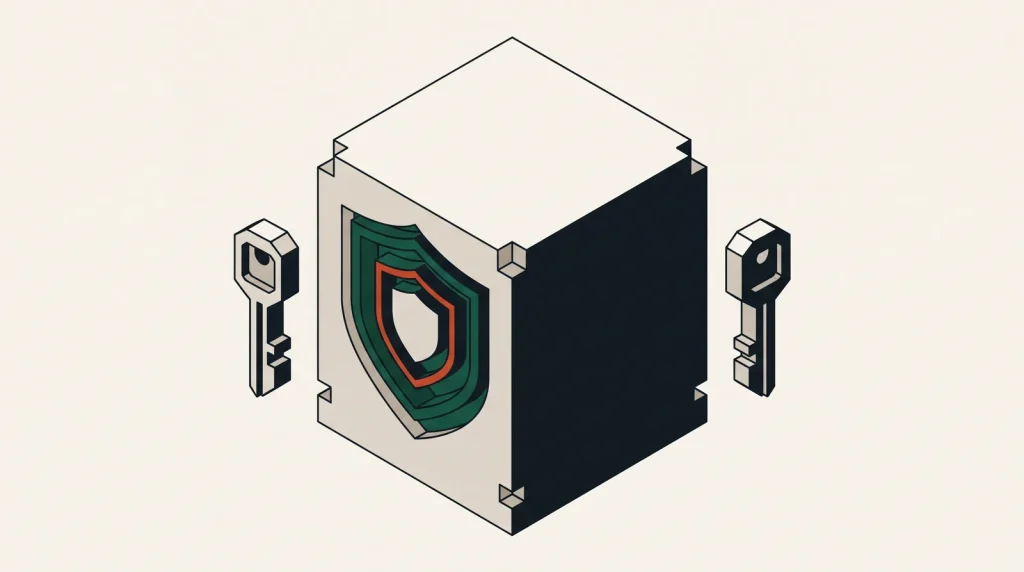
An audit log records who did what, when, from where, and whether it succeeded. It answers questions you cannot answer any other way — and it only answers them about the period in which it was running.
That is the whole argument. Turning it on after an incident tells you nothing about the incident.
What each platform provides
| Platform | Service | Default state |
|---|---|---|
| AWS | CloudTrail | 90 days of event history in console; a trail is needed for retention |
| Azure | Activity Log | On, retained 90 days; export for longer |
| Google Cloud | Cloud Audit Logs | Admin activity on and free; data access off by default |
| Oracle Cloud | Audit | On per region |
| Alibaba Cloud | ActionTrail | Requires configuration for retention |
| DigitalOcean / Linode | Account activity | Basic, shorter retention |
Two defaults catch people out: AWS keeps only ninety days without a configured trail, and GCP data access logging is off, so object reads are not recorded until you enable it.
Set it up properly, once
- Enable logging across all regions, not only the one you use. Activity in an unused region is exactly what you want to see.
- Send logs to storage in a different account or project where possible, so an attacker with access to the workload cannot erase the record.
- Turn on log file validation or integrity checking where offered.
- Set a retention period deliberately — a year is a reasonable default, longer if regulation requires it.
- Apply a lifecycle policy to move old logs to cheap storage rather than deleting them.
- Enable data access logging on the buckets that hold sensitive data, accepting the extra volume.
Step two is the one that matters most in a real incident and the one most often skipped.
Alert on the small number of events that matter
Nobody reads audit logs. Alert on a short list instead:
- Root or global-administrator sign-in.
- Sign-in without MFA.
- Audit logging disabled or a trail deleted — always an emergency.
- IAM changes: new users, new keys, policy attachments, role creation.
- Security group or firewall rules opened to the internet.
- Storage buckets made public.
- Console sign-in from an unusual country.
- Large numbers of failed API calls, which often precede a successful one.
Eight alerts that fire rarely are worth more than a dashboard nobody opens.
Make the logs usable before you need them
Raw JSON in object storage is technically a log and practically unsearchable under pressure. Give yourself a query path:
- AWS — Athena over the CloudTrail bucket, with a saved table definition.
- Azure — Log Analytics workspace and a few saved KQL queries.
- Google Cloud — Log Analytics, or a BigQuery sink with partitioning.
- Anywhere — a small set of saved queries answering “what did this identity do”, “who changed this resource”, “what happened between these times”.
Write those queries on a calm afternoon. At 2am you will not be writing them well.
What it costs
Management-plane logging is cheap and usually free at the first trail. Data access logging is where volume grows, because every object read is an event. Enable it where the data justifies it and leave it off elsewhere.
Storage is the ongoing cost, and lifecycle rules make it small. Compared with the cost of not being able to answer what happened, it is negligible.
Common questions
How long should I keep audit logs?
One year covers most needs and most light-touch compliance. Regulated industries often require three to seven. Decide once, apply a lifecycle rule and stop thinking about it.
Do audit logs record what was in a file?
No. They record that an identity read or wrote an object, not the contents. That is usually what you need and is why volume stays manageable.
Can an attacker delete the logs?
If they have access to the same account, yes — which is why logs should be written to a separate account with restrictive permissions, and why deletion of a trail should page someone.
Are provider logs enough on their own?
They cover the cloud control plane. Application logs, operating system logs and database logs are separate and equally necessary during an investigation.
Where to go next
Audit logs are the evidence base for least privilege, and the first thing to enable in securing an account you did not open.
Read next
Keeping Storage Buckets Private
Public buckets are the most reported cloud data exposure there is.
Least Privilege Without Breaking Everything
Everyone agrees with least privilege and almost nobody implements it, because the obvious approach breaks production.
MFA on Cloud Accounts: Which Method, and Why It Matters
Not all second factors are equal. The difference between SMS and a security key is the difference between slowing an…