What Actually Happens When You Launch a Cloud Instance
A cloud instance is a real machine with a scheduler in between. Knowing what that scheduler does explains several things that otherwise look like magic.
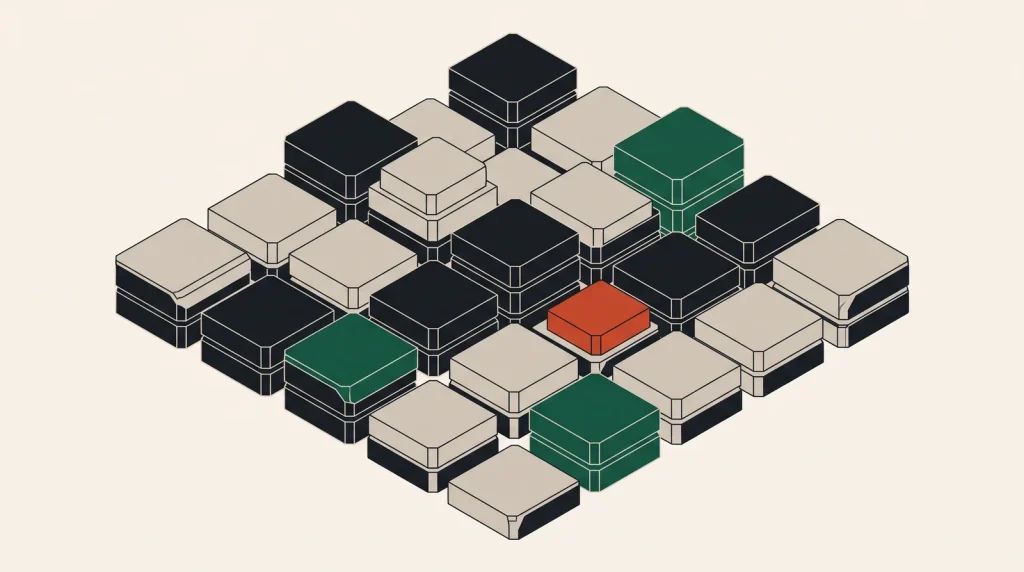
Clicking create produces a running Linux server in about thirty seconds. Understanding what happens underneath explains steal time, disk performance variability and why some things are fast and others are not.
The hypervisor
A physical server runs a hypervisor, which presents virtual machines to guests while scheduling access to real hardware. KVM is the dominant one in cloud, with providers running their own variants.
- CPU is scheduled. Your virtual cores get time on physical cores, which is why steal time exists.
- Memory is allocated, and generally not oversubscribed by reputable providers.
- Disk is virtualised — either a slice of local NVMe or a network volume presented as a disk.
- Network is a virtual interface on a software-defined network, which is how private networks and security groups are implemented.
Modern virtualisation overhead on CPU and memory is small — typically a few per cent. The visible differences come from sharing and from storage, not from the hypervisor itself.
What launching an instance does
- The control plane picks a physical host with capacity in your chosen zone.
- It allocates CPU, memory and network resources.
- It attaches storage — carving out local NVMe, or connecting a network volume.
- It copies or clones the base image onto that volume.
- It creates a virtual network interface with your private address and, if requested, a public one.
- It applies security group rules in the software-defined network.
- It boots the guest, which runs cloud-init and applies your user data.
- It reports the instance as running.
Most of the elapsed time is image copying and guest boot. Providers with local NVMe and small base images boot noticeably faster than those attaching a network volume.
What this explains
| Observation | Cause |
|---|---|
| Steal time in top | CPU scheduling contention with other guests |
| Disk slower than expected | Network volume, or size-linked IOPS limits |
| Instance boots slowly | Image copy time and network volume attachment |
| Local storage lost on stop | It lives on the host, not on a network volume |
| Cannot resize a disk down | The volume is a fixed allocation on shared storage |
| Private network traffic is fast | It stays inside the provider fabric |
| Instance types have odd names | They map to specific host hardware generations |
Beyond virtual machines
- Containers share the host kernel rather than virtualising hardware. Much lighter, much faster to start, and less isolated.
- Bare metal removes the hypervisor entirely. Full hardware access and no neighbours, with slower provisioning and higher cost.
- MicroVMs — lightweight virtual machines that boot in milliseconds, used behind serverless platforms to give container-like speed with VM-like isolation.
- Dedicated hosts — a whole physical machine you control placement on, while still using virtualisation.
Serverless platforms running microVMs are why a function can start in milliseconds and still be properly isolated from other tenants.
Isolation, honestly
Hypervisor isolation between tenants is strong and well tested. Side-channel vulnerabilities in processors have prompted mitigations, some with a performance cost, and providers apply these at the host level.
For workloads where even theoretical cross-tenant risk is unacceptable, dedicated hosts, bare metal and confidential computing options exist. For the overwhelming majority of workloads, standard virtualisation is appropriate.
Common questions
Is a vCPU a full core?
Usually a hardware thread rather than a full physical core. On dedicated plans it maps to reserved capacity; on shared plans it competes with other tenants.
Does virtualisation slow things down?
CPU and memory overhead is a few per cent. Noticeable differences almost always come from resource sharing or from storage architecture, not the hypervisor.
Why can I not shrink a volume?
Growing means allocating more blocks. Shrinking requires knowing which blocks are safely unused, which the storage layer cannot determine. Hence grow-only.
What is bare metal for?
Licensing tied to physical cores, workloads requiring direct hardware access, sustained maximum performance, and cases where no neighbours is a hard requirement.
Where to go next
See shared versus dedicated vCPU and containers versus virtual machines.
Read next
Reading a Cloud SLA Properly
An SLA is a billing commitment with conditions attached. Reading the conditions is where the useful information is.
Serverless, Explained Without the Marketing
There are servers. You do not manage them, you do not pay for them when idle, and you do not control very much about…
Cloud Terminology, Translated
The same concept has three names depending on the provider. Here is the translation table, plus the terms that…