Kamatera vs DigitalOcean: Custom Shapes or Simple Choices
Kamatera lets you build any server shape you want across a wide geography. DigitalOcean gives you fewer choices and a much larger platform around them.
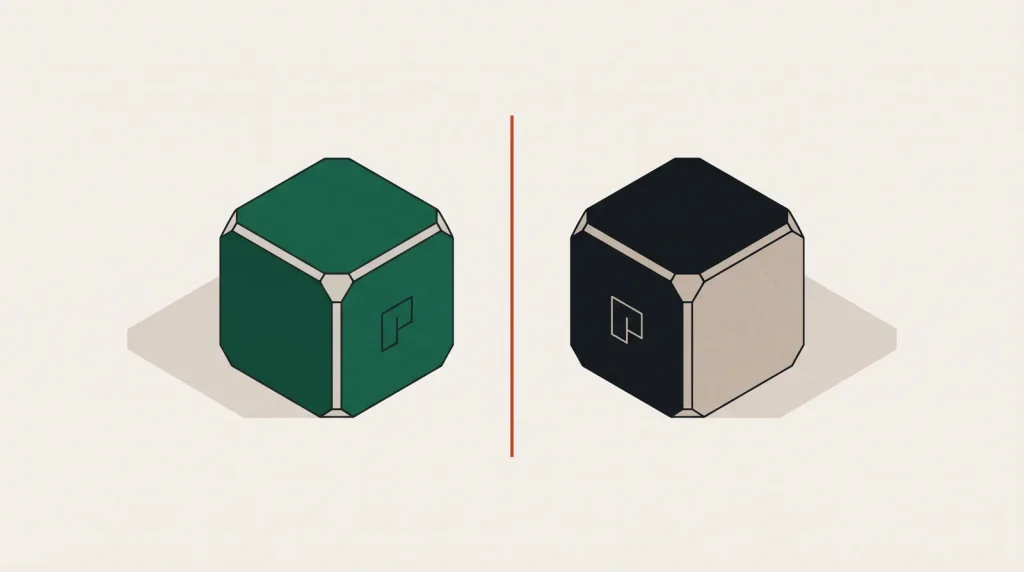
These two providers answer different questions. Kamatera asks what shape of server you want and where. DigitalOcean asks what you are trying to build and hands you a platform for it.
Configuration flexibility
Kamatera’s core feature is that CPU, RAM and disk are chosen independently, and you also pick the CPU contention model — availability, general purpose, burstable or dedicated. If you need 24 GB of RAM with two cores, you can buy exactly that.
DigitalOcean sells fixed plans. If you need that ratio you buy the nearest plan up and pay for cores you will not use. For memory-heavy, CPU-light workloads that waste is real.
Geography
Kamatera runs data centres across North America, Europe, the Middle East and Asia — a broad list for a provider of its size, including locations DigitalOcean does not serve. If you need a server physically near a specific city, check Kamatera’s list first.
DigitalOcean’s footprint is smaller but covers the major markets well.
Ecosystem
| Kamatera | DigitalOcean | |
|---|---|---|
| Custom CPU/RAM/disk | Yes | No |
| CPU contention tiers | Four explicit types | Shared and dedicated families |
| Managed databases | No | Yes |
| Managed Kubernetes | No | Yes |
| Git-based deploys | No | App Platform |
| Object storage | No | Spaces with CDN |
| One-click marketplace | Limited | Extensive |
| Community and tutorials | Small | Very large |
This is the trade in a single view. Kamatera gives you the machine you asked for; DigitalOcean gives you services you would otherwise build.
Who should choose Kamatera
- You need a specific CPU-to-memory ratio that fixed plans waste money on.
- You need a server in a city DigitalOcean does not serve.
- You run your own database, cache and orchestration anyway, so managed services are not a factor.
- You want an explicit choice about CPU contention rather than a plan family name.
Who should choose DigitalOcean
- You want a managed database rather than operating one.
- You want to deploy from Git without configuring a server.
- You want object storage with a CDN in front of it.
- Your team is small and its time is the scarce resource.
Cost
Direct comparison is awkward because Kamatera prices a configuration rather than a plan. For standard shapes the two are broadly comparable. For unusual shapes Kamatera is often cheaper because you are not buying resources you do not need. For anything using a managed service, DigitalOcean can be cheaper overall once you count the labour of running it yourself.
Common questions
Which CPU type should I pick on Kamatera?
Type B for typical production web and application servers, type D where consistent performance matters such as databases, type A only for development and staging, type T for spiky, mostly-idle services.
Does Kamatera have object storage?
Not as a managed S3-compatible service. You would run your own on a server or use an external provider, which is a meaningful gap if your architecture depends on it.
Can I resize on either platform?
Yes on both. Kamatera resizes CPU and memory with a reboot and expands disks online. DigitalOcean resizes CPU and memory reversibly, and disk permanently.
Which has better support?
Kamatera offers 24/7 support with a strong reputation for responsiveness at this tier. DigitalOcean’s advantage is that its documentation often answers the question before you open a ticket.
Where to go next
Platform guides: Kamatera and DigitalOcean. For picking a shape rather than guessing, see how to size a cloud server.
Read next
Azure vs Google Cloud: Enterprise Fit Against Data Fit
These two rarely lose to each other on features. They lose on context — what your company already runs, and what…
Hetzner vs OVHcloud: Two European Answers to the Same Question
Both sell serious hardware at prices the hyperscalers do not match.
Alibaba Cloud vs AWS in Asia-Pacific
AWS has more regions worldwide. Alibaba Cloud has depth in Asia and the only practical route into mainland China.