GPU Instances: What You Are Renting and What It Costs
GPU instances are the most expensive thing on most cloud price lists, and the easiest to leave running by accident.
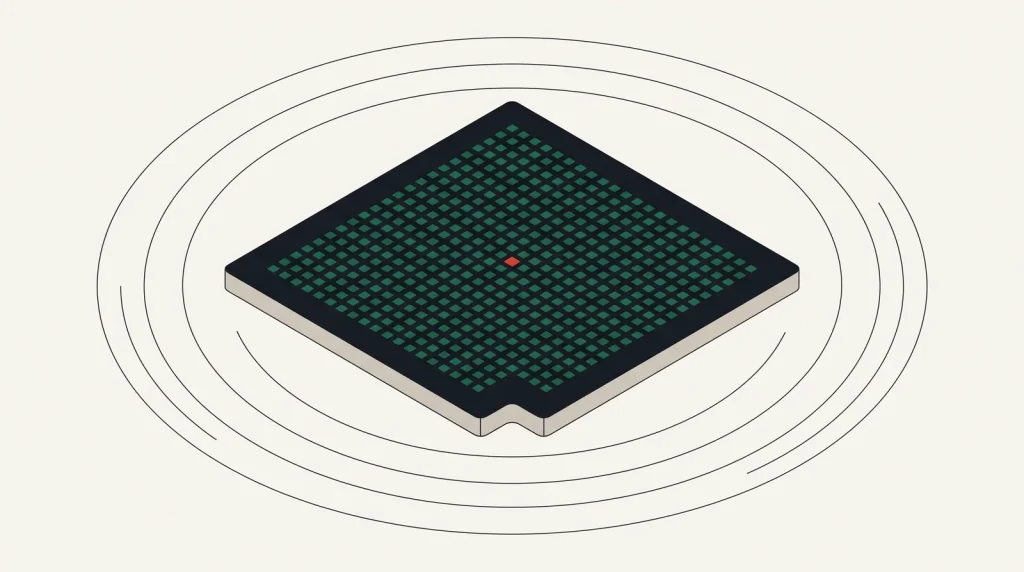
A GPU instance is a virtual machine with one or more accelerators attached. The rest of the specification matters less than usual, because the GPU is almost always both the bottleneck and the cost.
VRAM is the constraint that decides everything
Whether a model runs at all depends on whether its weights, activations and batch fit in GPU memory. Exceeding it does not slow things down; it fails outright.
| VRAM | Roughly supports |
|---|---|
| 16 GB | Small models, inference on quantised medium models, modest fine-tuning |
| 24 GB | Comfortable inference for many open models, small-scale training |
| 40–48 GB | Larger models, meaningful fine-tuning |
| 80 GB | Large model training and high-throughput inference |
| Multi-GPU | Models that exceed a single card, with the interconnect becoming critical |
Quantisation — running weights at lower precision — reduces memory substantially with a modest quality cost, and often turns an impossible workload into a comfortable one on cheaper hardware.
Beyond VRAM
- Interconnect. For multi-GPU training, the link between cards frequently limits throughput more than the cards do.
- Host memory and CPU. Data loading can starve the GPU. A GPU at 40 per cent utilisation is usually a data pipeline problem.
- Local NVMe. Datasets read repeatedly from network storage waste expensive GPU hours.
- Driver and framework versions. Mismatches are the single most common cause of a GPU instance that will not run your code.
Use the provider’s prepared machine learning image where one exists. Assembling a working CUDA, driver and framework combination by hand is a genuine time sink.
Controlling the cost
- Never leave one idle. A GPU instance forgotten over a weekend can cost more than a month of ordinary infrastructure.
- Use spot or preemptible capacity for training, with checkpointing. Discounts are large, and interruption is survivable when checkpoints are frequent.
- Separate training from inference. Training needs bursts of large capacity; inference needs steady smaller capacity.
- Right-size the card. The largest available is rarely the cheapest per unit of work for a given model.
- Batch inference requests, which improves utilisation dramatically.
- Shut down automatically — an idle-timeout script pays for itself immediately.
- Consider a managed inference endpoint if utilisation would otherwise be low.
Automatic shutdown on idle is the highest-value single control here. Set it before the first instance launches, not after the first invoice.
Availability is a real constraint
GPU capacity is limited and demand is high. Expect that the instance type you want may be unavailable in your preferred region, that new accounts often have a GPU quota of zero, and that quota increases require a request with justification.
Plan for this. Request quota before you need it, be flexible about region and card type, and have a fallback. See cloud service quotas explained.
Where the providers differ
- AWS, Google Cloud and Azure — the broadest GPU catalogues, the newest hardware first, and the highest prices.
- Google Cloud additionally offers TPUs, which suit certain training workloads well and require framework support.
- Oracle Cloud competes specifically on GPU pricing and cluster networking.
- Alibaba Cloud offers GPU capacity with strong availability in Asia-Pacific.
- Specialist and VPS providers often price GPU compute below the hyperscalers, with fewer surrounding managed services.
Common questions
Do I need a GPU for inference?
Not always. Small models and low request volumes run acceptably on CPU, particularly with optimised runtimes. Measure before renting a GPU for inference.
Is spot capacity safe for training?
With checkpointing every few minutes, yes, and it is the standard way to reduce training cost. Without checkpointing it is a way to lose hours of work.
Why is my GPU utilisation low?
Usually the data pipeline. Check whether the GPU is waiting on data loading, preprocessing or network storage before assuming you need a faster card.
Can I share one GPU between workloads?
Some cards support partitioning, and time-slicing is possible in container platforms. It helps utilisation for small inference workloads and adds complexity.
Where to go next
See training versus inference cost and cloud service quotas.
Read next
Cloud AI Services or Your Own Models
Every hyperscaler sells ready-made AI services. Whether to use them or run your own comes down to four questions.
Infrastructure Checklist for an AI Workload
Machine learning projects fail on infrastructure more often than on modelling. Most of it is foreseeable.
Training vs Inference: Two Very Different Cost Problems
Training is a large, bounded cost you can plan. Inference is a small, unbounded cost that grows with every user.